Confluence Trader Pro
العربية

Gold robot · MetaTrader 5

Gold trades itself while you sleep

One Windows program connects to your own MetaTrader account and handles gold from entry to exit. The stop and target go into your account with every trade, and you can watch every decision or stop it with one click.

Download the full robot

single file, no install · any MT5 broker · first two months free

The result on real gold data

A real account that started at a thousand dollars and was left to the robot at the smallest possible trade size. The line is drawn from the test itself, trade by trade.

+45% Account growth
start 1,000$ end 1,450.95$
+70% Winners bigger than losers
1.28 Profit factor
Balance never fell below capital

Basis: 1,000$ starting balance, a fixed 0.01 lot (the smallest brokers allow), 0.20 spread, 46,982 candles from 2026-01-02 to 2026-08-31. Worst dip from a peak: 315$.

Profit scales with your balance and the trade size you choose. Past performance does not guarantee the future, and leveraged trading can lose you money.

Do not take our word for it - test it on your own broker's data

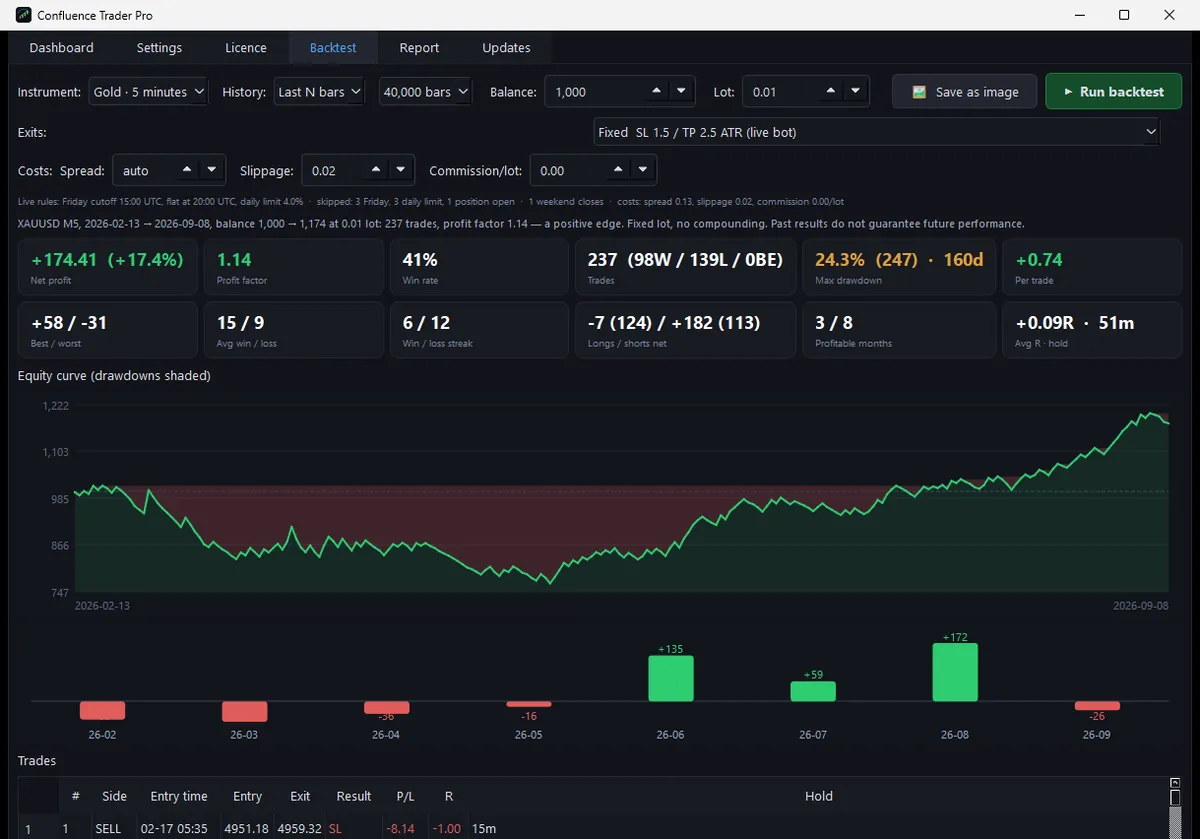
The program has a backtest tab that pulls your account's own candles at your real spread and gives you the whole result with a report you can save as an image. Try it before you risk a single dollar.
The program itself

Real screenshots, not mock-ups.

Backtest on your broker's data
Backtest on your broker's data The account curve with its drawdowns shaded, every month's result, and every trade in full - at your account's real spread.
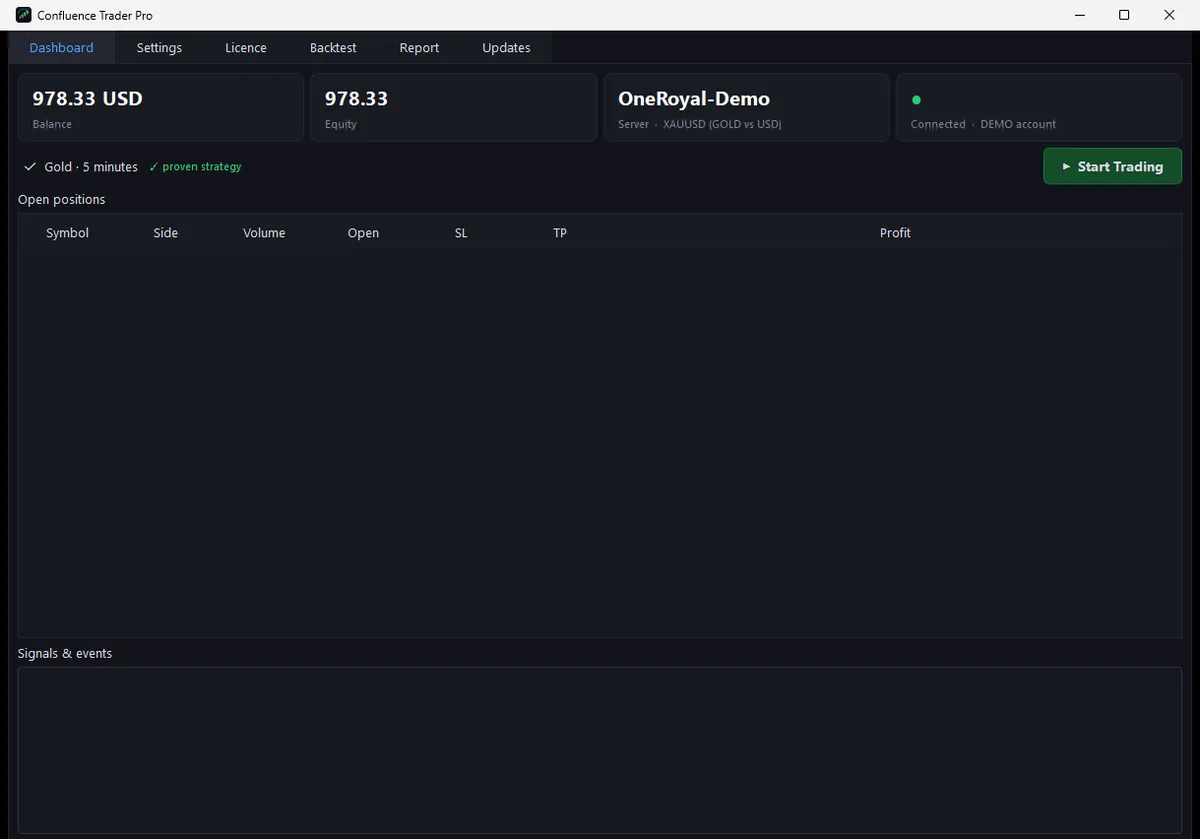
The dashboard
The dashboard Your balance, your broker, the gold symbol it found there, and the connection - with one button that starts and stops everything.
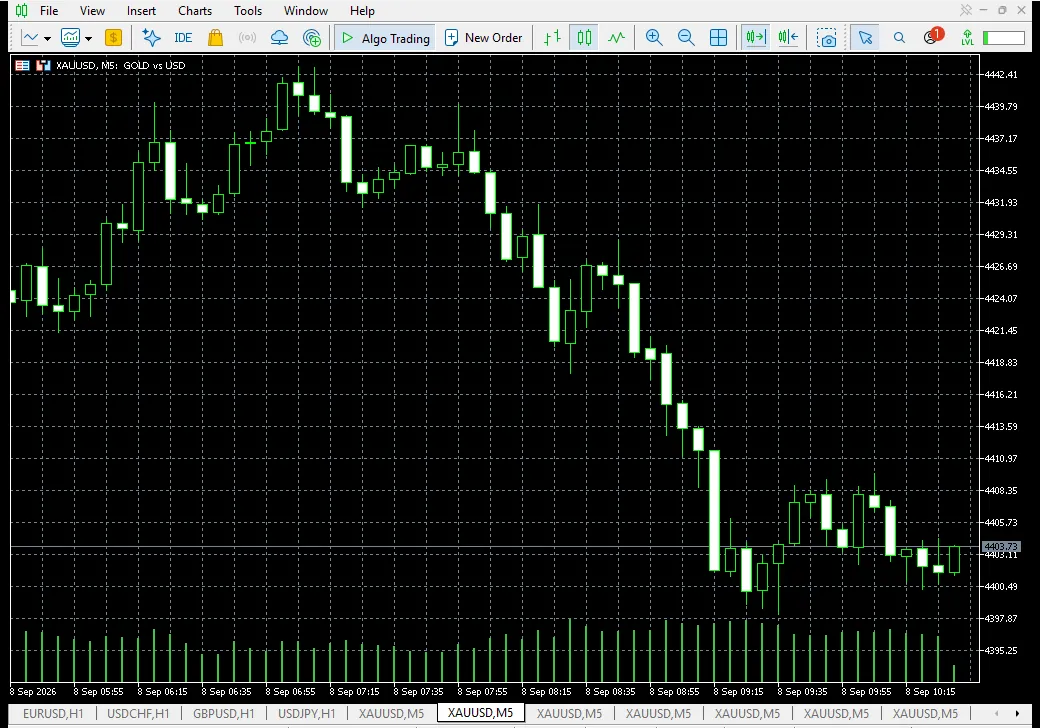
MetaTrader 5
MetaTrader 5 The robot talks to your own MetaTrader and puts the stop and target inside your account with every trade.

What you actually get

It runs itself

Press Start once and it takes over: it watches the market, enters when its conditions are met, and exits on its own. No monitoring, no daily decisions.

Your trade is protected at the broker

The stop and target are sent to MetaTrader with the order itself. Internet down, machine off? The trade is still protected.

It finds your broker by itself

It finds your gold symbol whatever it is called, checks it is quoted in dollars, and measures your real spread. No settings, no files.

You set the risk

A share of your balance per trade, or a fixed size. And if even the smallest lot would exceed your limit, it skips the trade rather than risk more than you allowed.

Safety rails

A daily loss limit stops trading, everything is closed before the weekend, one position at a time, and a real account is never traded without your consent.

Updates and live support

One-click signed updates, and a live chat with us from inside the program that arrives with your details already filled in.

How do you subscribe? You talk to us

No forms, no waiting. Press the chat button and your key is with you within minutes.

  1. Press “Talk to us”The gold button at the top, or the circle in the corner. You give your name and WhatsApp number and start.
  2. We agree on paymentTogether we pick whatever is easiest for you, all written down in the chat.
  3. Your key arrivesIn the chat and on WhatsApp within minutes, with the first two months free.
  4. Download and runPaste the key, press Connect, then start trading.

Subscription

One price, no hidden fees, no cut of your profits.

Launch offer

30$ per month

first two months free

Subscriptions are arranged in the chat

Payment and activation are handled with us directly, in the chat or on WhatsApp, and your key arrives within minutes.

  • The complete robot with every feature
  • Updates for as long as you subscribe
  • Direct support from the developer
  • Runs on one computer, moved to another on request

Download the complete package

One file with the program, the bridge expert and the manual. Download it now and look around; activate it when you subscribe.

Download package

Needs Windows 10 or 11, and MetaTrader 5 installed and logged into your broker account.

Version
1.3.0
Size
32.9 MB
File fingerprint SHA-256
d5059107ea7c8ce8f7883730c1fa4875768028913d3d656c6db6a48001d38acb
  1. From download to first trade
  2. Unzip and run ConfluenceTraderPro.exe.
  3. Paste the activation key we sent you.
  4. Pick your MetaTrader and press Connect; it installs the bridge and restarts on its own.
  5. The dashboard opens with a green dot and your broker's name - press Start Trading.

Questions people ask

Can I lose money?

Yes. Leveraged trading carries real risk, any week can be negative, and the decision and the responsibility are yours alone. The strategy is built to be profitable over the long run because its winning trade is bigger than its losing one, but that does not mean a profit on every trade or in every month. Do not run it with money you need.

Does my computer have to stay on?

Yes, the program and MetaTrader run on your machine. But the stop and target sit at the broker, so an open trade stays protected even if the machine goes off.

Will it work with my broker?

With any broker that offers MetaTrader 5 and gold quoted in dollars. The program finds the symbol and the spread itself and shows you what it found.

How much capital should I start with?

That is between you and your broker's limits. The numbers above are on a thousand dollars at the smallest trade size. Start on a demo account first; the program detects the account type and tells you.

How do I subscribe and pay?

Press the chat button and write to us, or message us on WhatsApp. We agree on the payment method that suits you and send your activation key right away.

Changed computer, or lost your key?

Open the chat and give your phone number or the old key, and we sort it out in minutes.

Question not here?

Ready to start?

Write to us now. We prepare your key and walk with you step by step to the first trade.

Download package